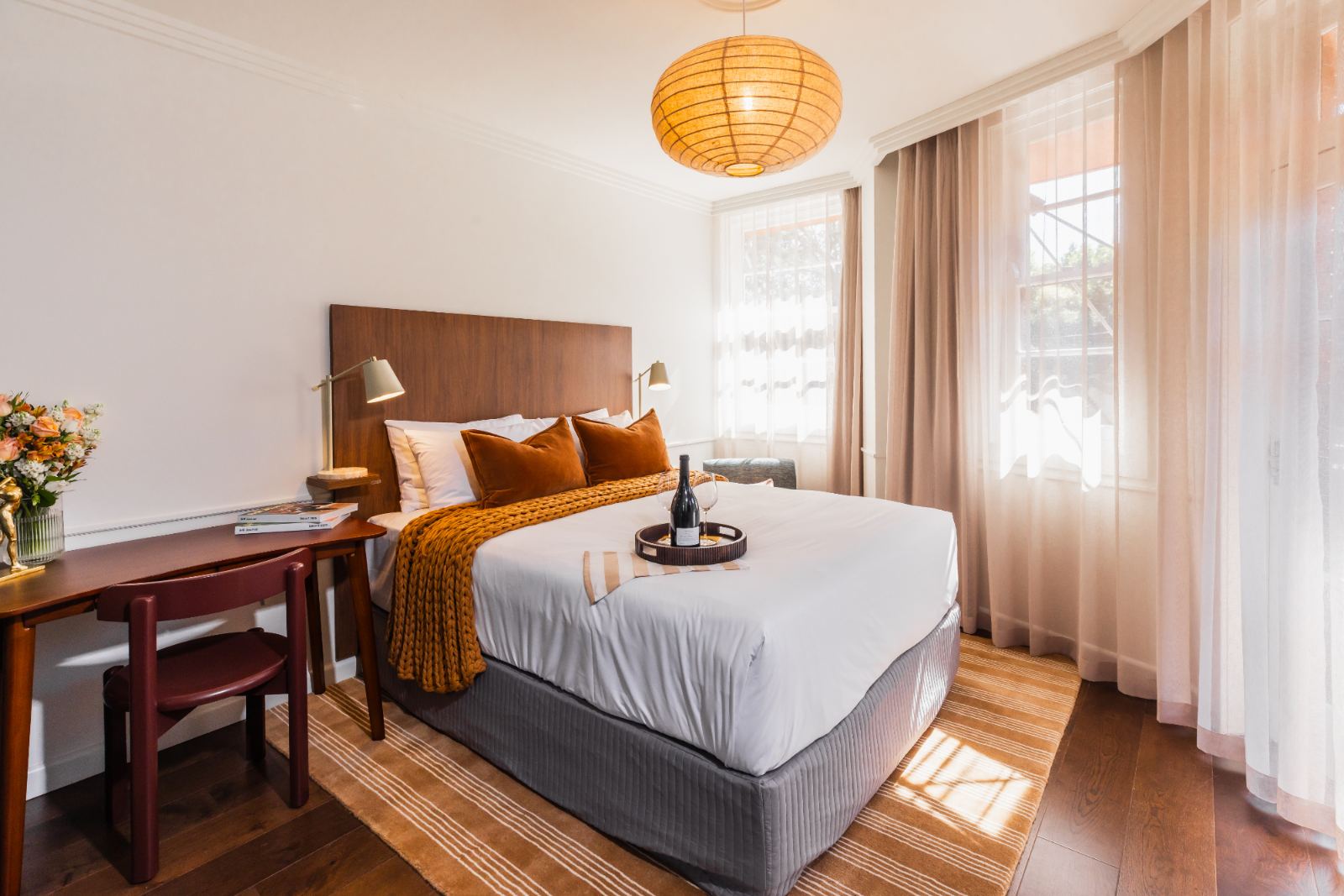
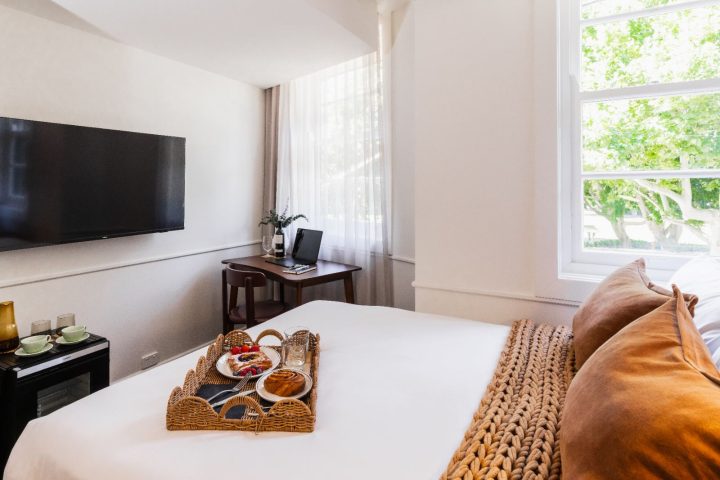
Kurrajong Double
A cosy and efficient space fitted with a double bed, private bathroom with shower, and modern essentials.

Our rooms
Kurrajong House offers boutique hotel accommodation in Erskineville, just 4km from Sydney's CBD. Each room is finished with premium linen and a leafy outlook, steps from Park Street Bistro and a short walk to Newtown, Sydney Park and Erskineville station.
A cosy and efficient space fitted with a double bed, private bathroom with shower, and modern essentials.
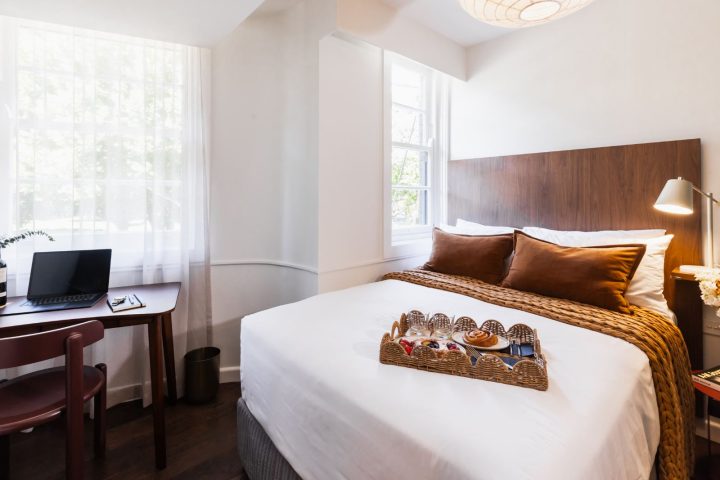
Designed for comfort and practicality, this room features a queen-size bed with premium linen, a private bathroom with shower.
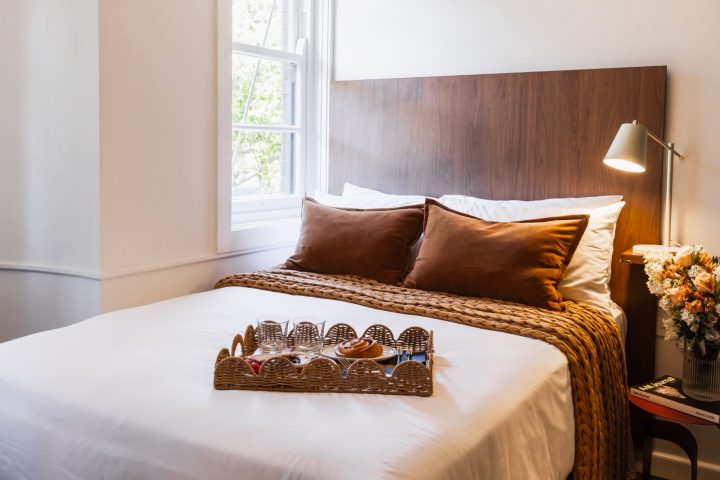
A larger queen room offering extra space and natural light.
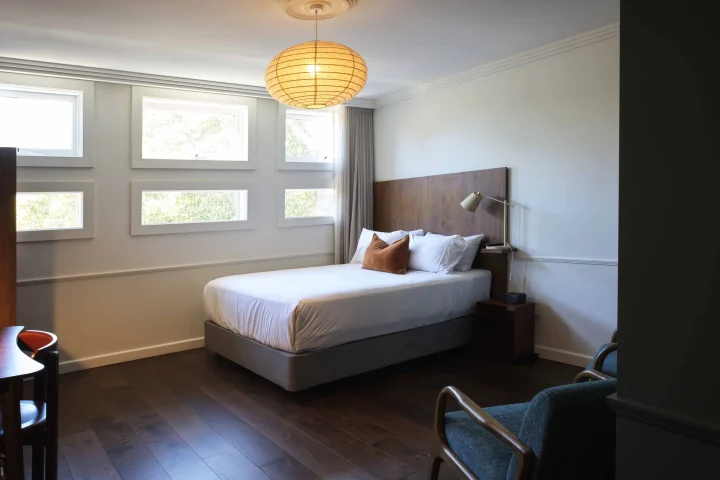
Spacious and functional, this room offers a queen-size bed with quality linen and a large accessible bathroom with roll-in shower and support rails.
Book now — Kurrajong Superior Queen (Accessible) (opens in a new tab)
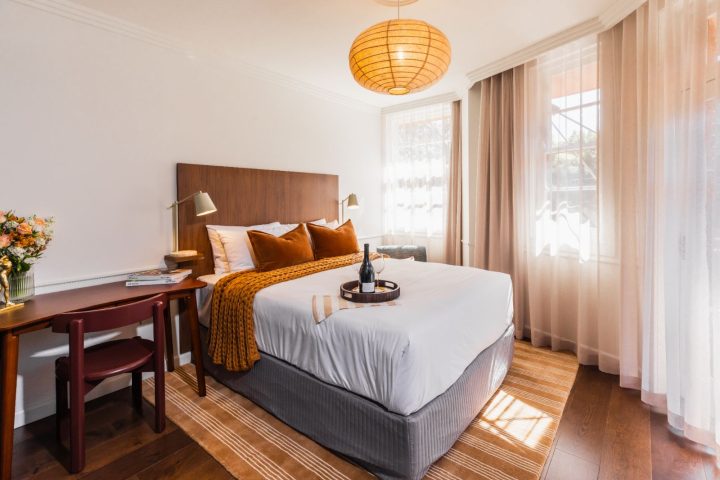
The most spacious option at Kurrajong Hotel, this suite combines comfort and character with a separate lounge area.
What’s included
Every room at Kurrajong House, our boutique hotel in Erskineville, comes with free WiFi, air conditioning, a private ensuite and premium linen, so you can settle in and feel at home just minutes from Sydney's CBD.
In every room, included with your stay.
Individually controlled, year-round.
Ensuite with a shower in every room.
Fresh on every bed, changed for each stay.
The rooms
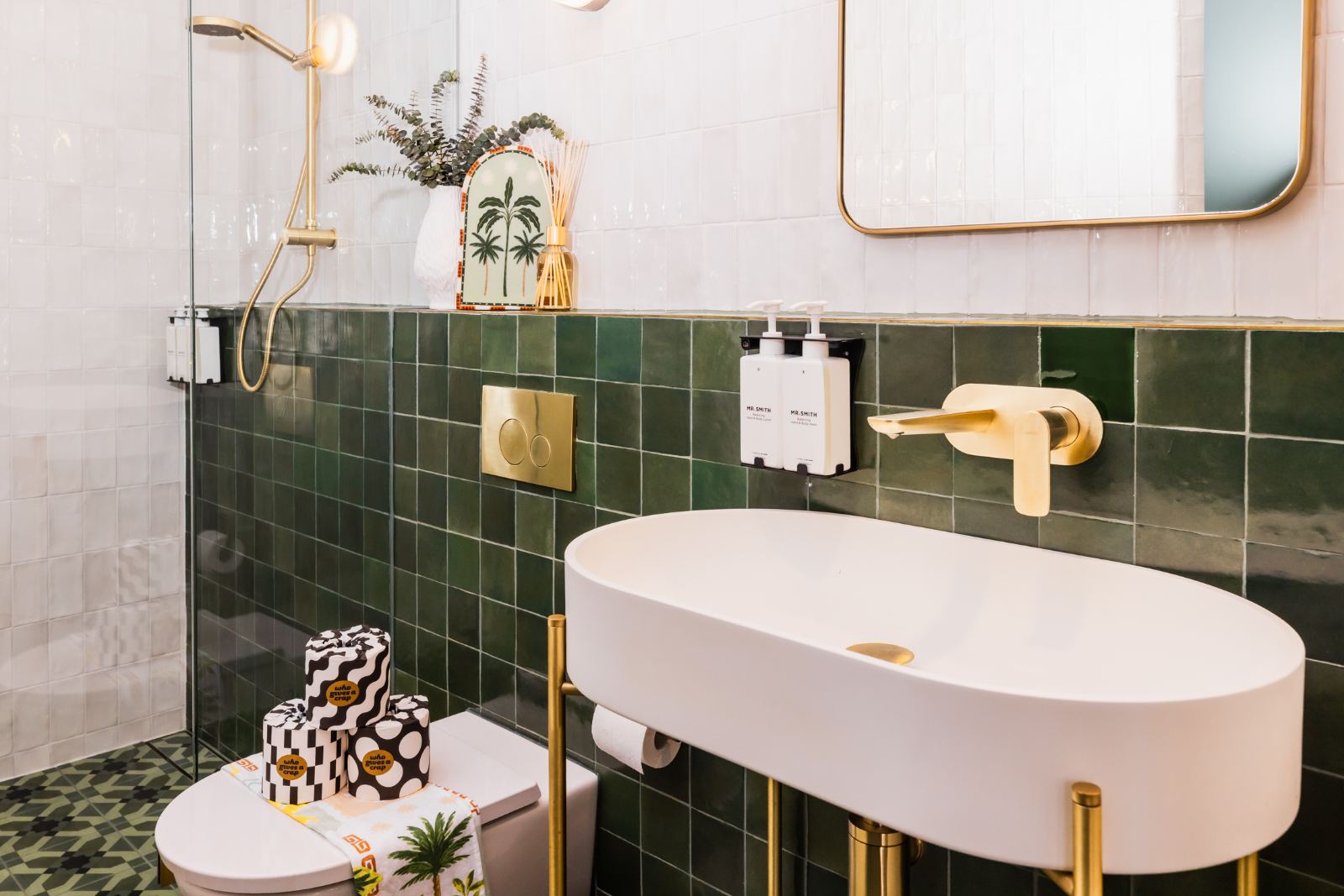
Restored with bespoke furnishings, soft lighting and the modern touches you love.
Getting here
On the corner of Swanson Street, and Park in Erskineville, a short walk from the station and Newtown's King Street, and just 4km from Sydney's CBD.
Wetlands, playgrounds, off-leash dog areas and city skyline views.
Eclectic shops, bars, restaurants and live music, a short walk away.
One of Sydney's best live music venues, 4 minutes away.
Weekend farmers markets, exhibitions and events.
The neighbourhood's green heart, with grass to lie on and community events.
Reviews
“Beautiful room, all brass and green tile, and the digital key meant we came and went without a thought.”
“Best-value stay we’ve had in Sydney. Four minutes to the station and dinner downstairs at the bistro.”
“The suite’s corner windows are worth the upgrade on their own. Quiet, characterful, and the bar’s breakfast tip was spot on.”
Don’t worry, you can always check in at the front desk when you arrive at the hotel. If needed, you can also ask for assistance!
Power Reserve provides up to five hours of access after your iPhone battery needs to be charged. This feature is only available on iPhone XS, iPhone XS Max, and iPhone XR or newer. For more details, see here.
Yes, you can use both.
Yes. Your room key will be automatically activated for each room that you have reserved.
With Express Mode, you don’t need to wake or unlock your iPhone or Apple Watch to use your room key in Apple Wallet. By default, Express Mode is turned on.
When you add a room key to Apple Wallet on your iPhone, a room key will automatically be added to Apple Wallet on your paired Apple Watch. Once added, simply hold your Apple Watch near the reader.
If your device is compatible with Wallet keys, you will see an Add to Wallet button at the end of your online check-in.
If you’re no longer using a device, you can remove its Wallet passes directly on the device or online. Once removed, you can add your passes to a new iPhone or Apple Watch.
You can remove a pass from your old device in two ways:
1. On your iPhone: Open the Wallet app and select the pass you want to remove. Tap the More button in the upper-right corner, scroll down and tap Remove Pass.
Note: This also removes the pass from paired Apple Watches.
2. Online (if you no longer have the device): Go to account.apple.com and sign in. Select Devices from the sidebar, choose your device, and click Remove items.
Note: this removes all Wallet cards and passes from that device.
After removal, you can add your passes to your new device.
A room key can be added to Apple Wallet after you book a reservation. After completing the online check-in, click on the Wallet icon to add your key. The room key will automatically activate once you check in and your room has been assigned. To use your room key, simply hold your iPhone or Apple Watch near the door lock.
When your room key is added to Apple Wallet on your iPhone and Apple Watch, it’s stored on your device, which means Apple doesn’t see the spaces you access or when. Your data is private and secure.
Try the below basic troubleshooting steps:
· Update to the latest version of iOS or watchOS.
· Confirm that you have Face ID, Touch ID, or a passcode seton your device.
· Check that your Apple Account is signed into iCloud with two-factor authentication turned on.
· Check whether Apple T&C’s were accepted in your settings when logging into iCloud.
If you’re still unable to add your room key contact the Kurrajong Hotel Guest Service at 02 8355 1935 or 049 349 5395. Alternatively, contact us via email: stay@kurrajonghotel.com.au.
You can use your room key on up to 1 iPhone and 1 Apple Watch. They all need to be signed into the same iCloud account and Apple Account.
If your Android phone is misplaced or lost, you should use the Find My Device app to remotely delete/wipe a lost device. Find, secure, or erase a lost Android device – Google Account Help.
If you book multiple rooms on the same date, the Wallet key is only activated for the room you are assigned to. If you book a room on multiple dates, a different Wallet key is activated for each stay. Each key is only active for your current stay after you complete your online check-in
A Wallet key allows you to store your digital room key so you can unlock doors using your phone or a compatible smartwatch.
Use the “Find My” app or iCloud.com to suspend, deactivate or reactivate your devicein Apple Wallet. Instructions for Lost/Found Apple devices and Find My iPhone are located at here.
In addition to your room, your room key can also be used to access the same hotel spaces where you would use a physical key
Check in is from 2pm and check out is by 10.30am. Contact us if you need an early arrival or late departure and we’ll do our best — luggage can always be stored at the bar.
Your key arrives in Apple Wallet or Google Wallet before check-in, so you can come and go whether or not reception is open. Android needs 9.0 or later.
Street parking on Swanson and Park Streets. Erskineville station is a four-minute walk, which is the better answer on a Friday.
The rooms sit above a working pub, so we’ve double-glazed the windows facing Swanson Street and the bar winds down by midnight most nights. Ask for a courtyard room if you’re a light sleeper.
Yes — the Superior Queen (Accessible) has a roll-in shower, support rails, wide doorways and step-free access from the Park Street entrance to the door.
Every room: free wifi good enough to work from, and air conditioning you control yourself.